Tell us what you need
Choose your state, role, service type, and whether you need initial, additional, or annual training.
Start with your state, role, and training need. AdminClear helps you choose a course, saves your progress, explains each result, and keeps the certificate when you finish.

You can see the requirements before you create an account. Once you begin, the platform shows what is complete and what comes next.
Choose your state, role, service type, and whether you need initial, additional, or annual training.
Review the course hours, price, language, topics, audience, and assessment rules before you sign up.
Complete each lesson and practice with knowledge checks. Your course position and required learning time are saved.
The assessment is untimed, uses a new question order, and saves every answer. You can resume within 24 hours of your last activity. The passing score is 80 percent.
A result below 80 percent leads to review and another attempt. After three unsuccessful attempts, the required module review must be completed before trying again.
After you pass, AdminClear confirms the lessons, learning time, and identity step. Your certificate is then added to your account.
Lessons, practice questions, learning time, and the final assessment remain together in your course record. A saved-status message confirms your latest progress.
Review the lesson, complete the practice, and continue when you are ready.
Your result appears after submission. Review the identified material, then begin a new attempt with a different question order.
AdminClear checks your completed lessons, learning time, and identity step before the certificate is issued.
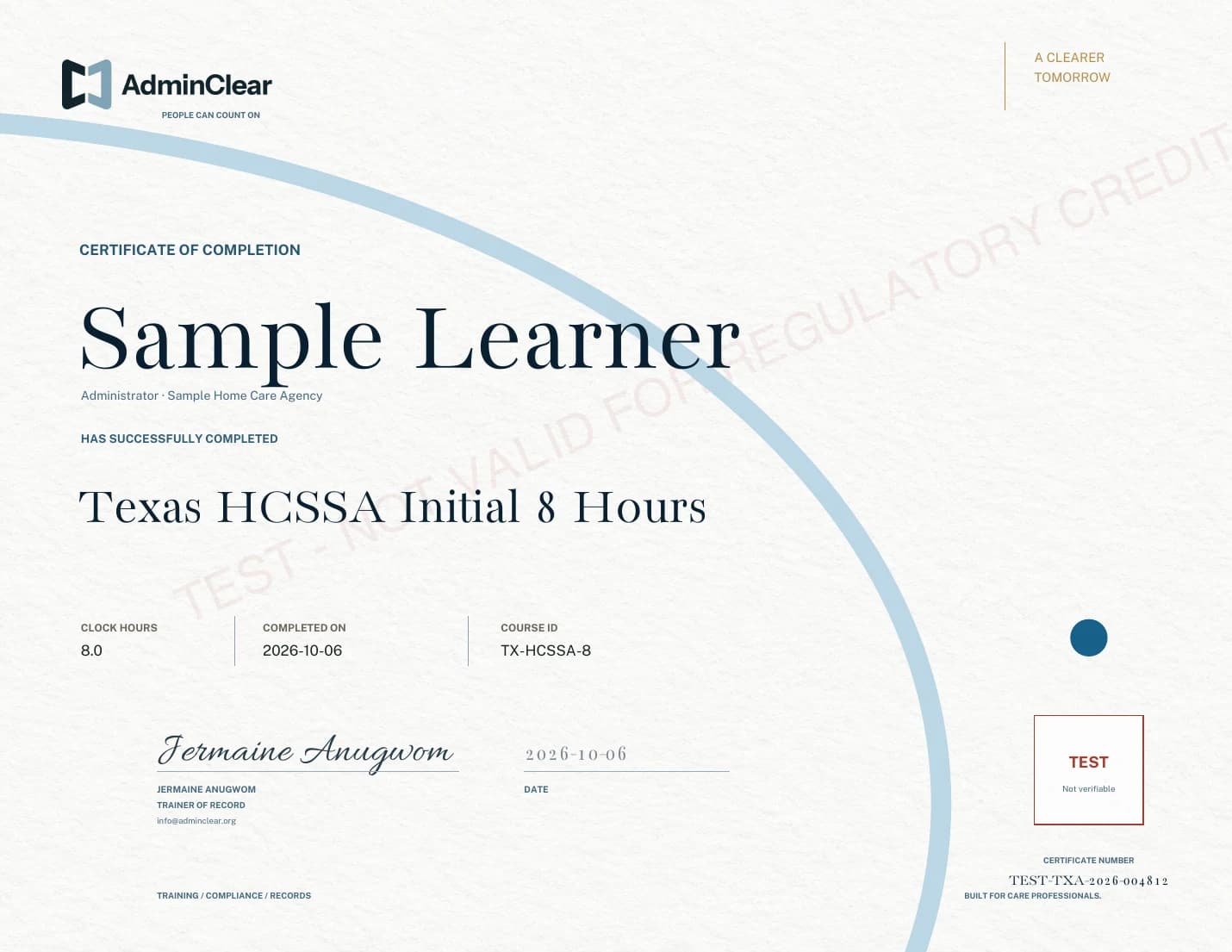
The certificate brings the course, hours, dates, trainer, provider, certificate number, and verification status into one formal record.
View the sample certificateUse the course finder for individual training, or review the agency workspace for assignments and records across a team.